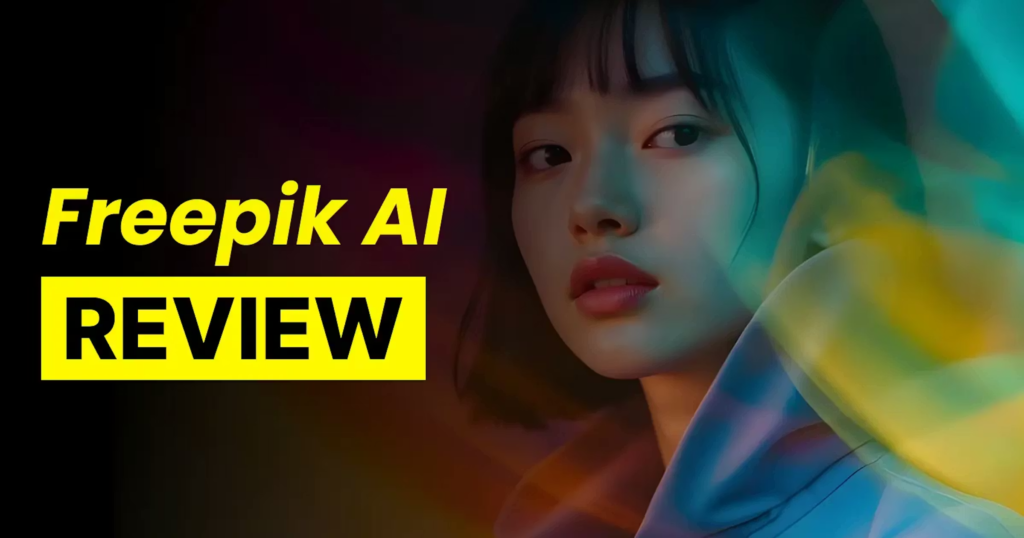
Freepik AI Review: Is the Premium Subscription Worth It? (After 100K+ Credits)
Deciding whether to invest in a paid AI subscription can be overwhelming with so many platforms on the market. After spending a full month rigorously testing Freepik AI—burning through more than 100,000 credits specifically on realistic myth and fantasy generation—I have gathered some hard data and honest opinions.
If you are on the fence about upgrading to a Freepik Premium plan, this comprehensive breakdown of its AI tools, models, and limitations will help you decide.
The Core AI Models: A Text-to-Image Powerhouse (Rating: 9/10)
Freepik AI doesn’t just offer one basic generator; it serves as a hub for some of the industry’s top-tier models. Your premium access unlocks Flux 1.0, Flux 1.0 Realism, Flux 1.1 Pro, Google’s Imagen 3, and the absolute standout: Freepik Mystic 2.5.
Why Mystic 2.5 Changes the Game
For generating highly realistic images, both Flux Realism and Mystic 2.5 are phenomenal. However, if your niche involves realistic fantasy or mythological art, Mystic 2.5 completely dominates.
- Prompt Adherence: It captures complex details flawlessly.
- Lighting and Camera Control: While Freepik offers a convenient UI popup to select camera angles and lighting, typing these directly into your prompt yields incredible, cinematic results.
Advanced Image Manipulation Tools
Freepik isn’t just about text prompts. Its editing suite provides several robust tools to alter existing visuals.
Image-to-Image & Character Reference (Rating: 9/10)
You can upload an image to use as either a style or character reference (currently supported optimally by Flux 1.0 and Mystic 2.5).
- Pro Tip for Character Consistency: Creating a consistent character costs around 5,500 credits, which is slightly pricey but highly effective. For the best results, train the AI using high-resolution (2048×2048) 1:1 images of your character featuring simple, solid-colored backgrounds and various outfits. Keeping the reference strength at around 80% is the sweet spot.
Inpainting: Room for Improvement (Rating: 7/10)
Inpainting (modifying specific parts of an image) is currently a bit of a hit-or-miss experience.
- The Quirk: Surprisingly, the “Quick” option tends to deliver better, more natural results than the “Pro” mode.
- Multiple Characters: Adding multiple specific characters to a single scene is tedious. You must generate the base image with generic people, then meticulously inpaint each face one by one. It works, but the workflow is clunky.
Outpainting (Expand) & Image Upscaling (Rating: 10/10)
These two features operate flawlessly.
- Outpainting: Expanding the borders of your canvas “just works”—seamlessly blending new environments with the original image.
- Upscaling: When you simply need a higher-resolution version of a generated image without unwanted alterations, the upscaler is perfect. Tip: Always set the “Creativity” slider to None for clean, faithful upscales.
AI Video Generation & Animation (Rating: 7/10)
Freepik integrates several top-tier third-party video models, including Kling, Luma, Hailuo, Pixverse, and Hunyuan.
- The Pros: You have incredible variety in one dashboard. Kling 1.6 Standard excels at producing smooth, natural motion animations. The platform also includes built-in AI sound effects (powered by MMAudio), which add decent auditory depth to your clips.
- The Cons: You do not get the full feature sets that you would by using these platforms natively on their own websites. For complex animations, using Hailuo’s official site will yield better results.
- Lip Sync Warning: As of this review, the lip-sync tool is still in Beta and highly unreliable, often generating bizarre visual artifacts (like lips disappearing mid-sentence). Avoid it until it receives a stable update.
The Downsides: What Needs Fixing
No AI tool is perfect, and Freepik has two specific pain points that heavy users should be aware of:
- Overly Strict AI Moderation (NSFW Filters): Freepik’s safety filters are incredibly aggressive. Generating basic action or combat scenes is nearly impossible. Prompting for mythological battles (like Hercules wrestling a lion) or a cinematic fistfight will instantly trigger an NSFW block. If your project involves action-oriented storytelling, this is a massive bottleneck.
- Video Generation UI Bugs: There is an annoying glitch in the video workflow. Immediately after generating a video, trying to save it to a project folder often triggers a “Your content could not be generated” error. You are forced to refresh the page (F5) to access your video properly.
Final Verdict: Should You Pay for Freepik AI?
The Short Answer: Yes, absolutely.
Despite a few clunky features and aggressive safety filters, the sheer speed and quality of Freepik’s AI suite make it a powerhouse for digital creators. If you are producing realistic fantasy, concept art, or high-quality marketing visuals, the Mystic 2.5 model alone is worth the price of admission.
If you have been hesitant to subscribe, give it a try. The rapid workflow and all-in-one ecosystem will likely surprise you, dramatically cutting down the time you spend jumping between different AI platforms.